# @voorhoede/vue-capture-install-event
Save the PWA install event for later
When visiting a PWA users often gets prompted with a banner asking if they want to install it to their homescreen:
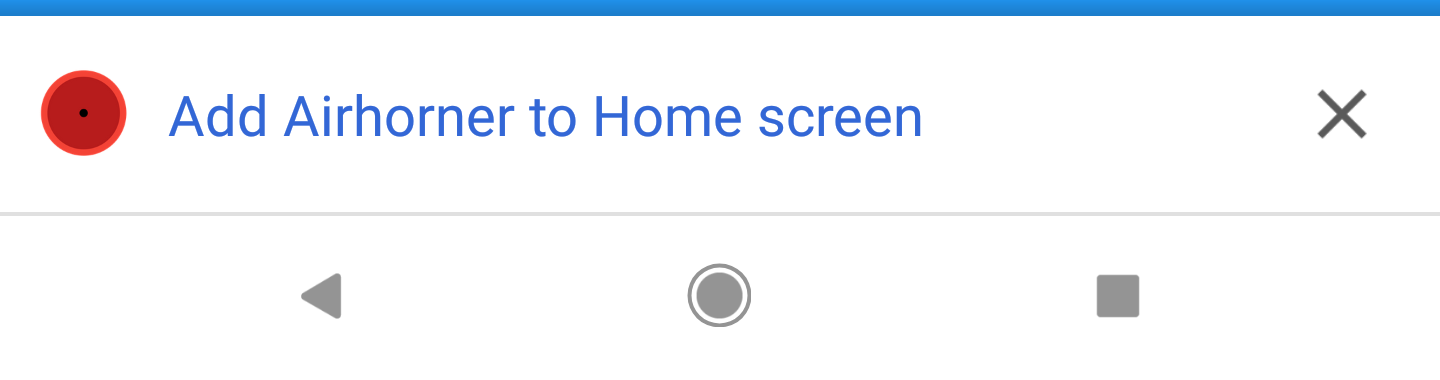
This component prevents the prompt from showing up and saves the event. This gives the developer the oppertunity to use this event at a chosen time. This way the likeability of the app getting installed will be much bigger.
# Installation
npm install @voorhoede/vue-capture-install-event
# Usage
Your application needs to be a PWA that meets all the requirements to trigger the install prompt. Make sure you implement these into your app before moving forward, otherwise using this component would make no sense.
# Bundler (Webpack, Rollup)
import Vue from 'vue'
import VueCaptureInstallEvent from '@voorhoede/vue-capture-install-event'

Vue.use(VueCaptureInstallEvent)
# Browser
<!-- Include after Vue -->
<!-- Local files -->
<script src="@voorhoede/vue-capture-install-event/dist/vue-capture-install-event.js"></script>

<!-- From CDN -->
<script src="https://unpkg.com/@voorhoede/vue-capture-install-event"></script>
# Examples
# Default usage
hide code
<vue-capture-install-event><button>Install this PWA</button></vue-capture-install-event>
# Render as tag
hide code
<vue-capture-install-event tag="button">Install this PWA</vue-capture-install-event>
# Listen for user action
hide code
<vue-capture-install-event @installed="onInstalled" @dismissed="onDismissed"><button>Install this PWA</button></vue-capture-install-event>
# API
# capture-install-event
# slots
default
# props
tagString (optional)default: 'div'The tag that the component should be rendered as